
Crosshairs
Six crosshairs, one click away
In the game: Options › Multiplayer › Crosshair appearance. The preview box shows your choice right away.
4×
Paste it into the console (~) or into your userconfig.cfg.
All styles
Shown at 1080p, size Large, green, enlarged 4× so you can see every pixel.
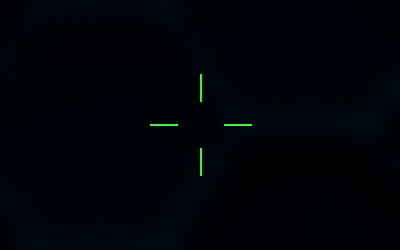
Classic
The familiar four lines. Pick Tiny for a minimal version drawn by Hell Client.
hb_crosshair 0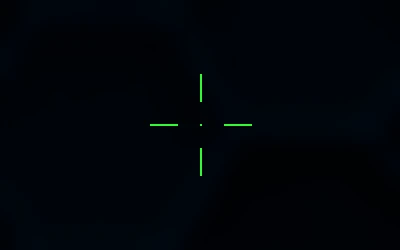
Cross + dot
Classic cross with a centre dot, easier to track on bright maps.
hb_crosshair 2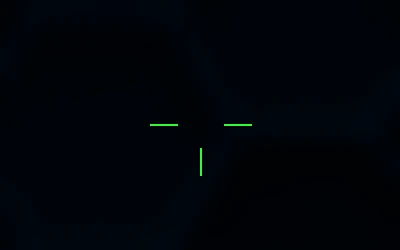
T
No top line, so nothing covers the head of your target.
hb_crosshair 3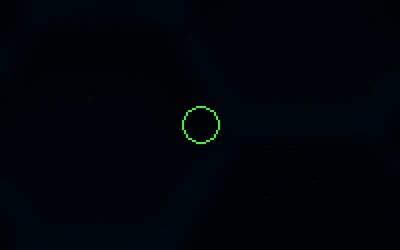
Ring
A thin circle that opens up when you move or shoot.
hb_crosshair 5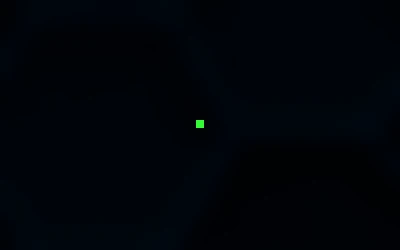
Point
A single dot. Clean view, popular with snipers and tap players.
hb_crosshair 4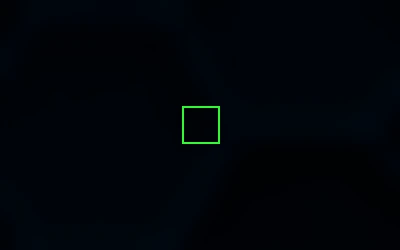
Square
A small square frame that grows with Dynamic mode.
hb_crosshair 6Fine-tuning
- Tiny: the smallest size, only in Hell Client. In the size list or
hb_xsize 1. - White / Pink: two extra colours next to the five classic ones.
- Dynamic: the crosshair opens when you run, jump or shoot, then closes smoothly.
cl_dynamiccrosshair 1 - Thickness from 1 to 6 pixels:
hb_crosshair_thick 2 - Black outline for bright maps:
hb_crosshair_outline 1 - With an unscoped AWP or Scout, while spectating and with the HUD hidden, no crosshair is drawn, just like in the original game.